Creating content for Instagram can feel confusing when you are just starting. I also struggled in the beginning—what to design, how to design, and which tools to use.
In this blog, I’ll share how I created my first Instagram carousel using Canva, step by step. If you are a beginner, this guide will help you start easily.
📌 What is an Instagram Carousel?
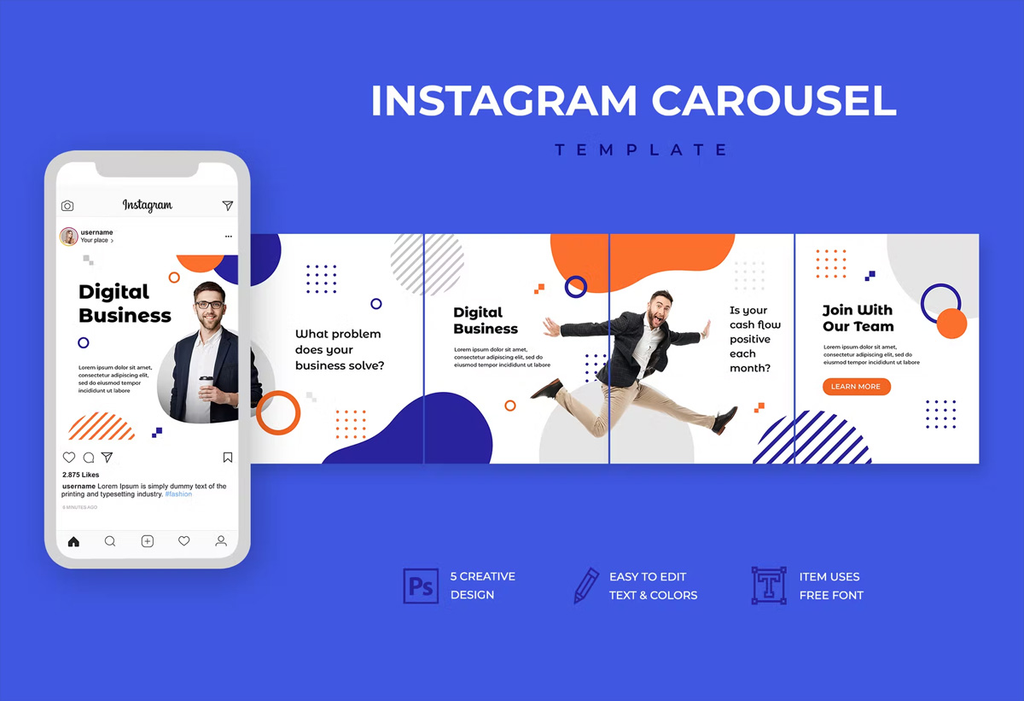
An Instagram carousel is a post that contains multiple images or slides in one post. Users can swipe left to see more content.
Carousels are great for:
- Sharing tips
- Telling a story
- Educating your audience
🎯 Step 1: Choosing a Topic
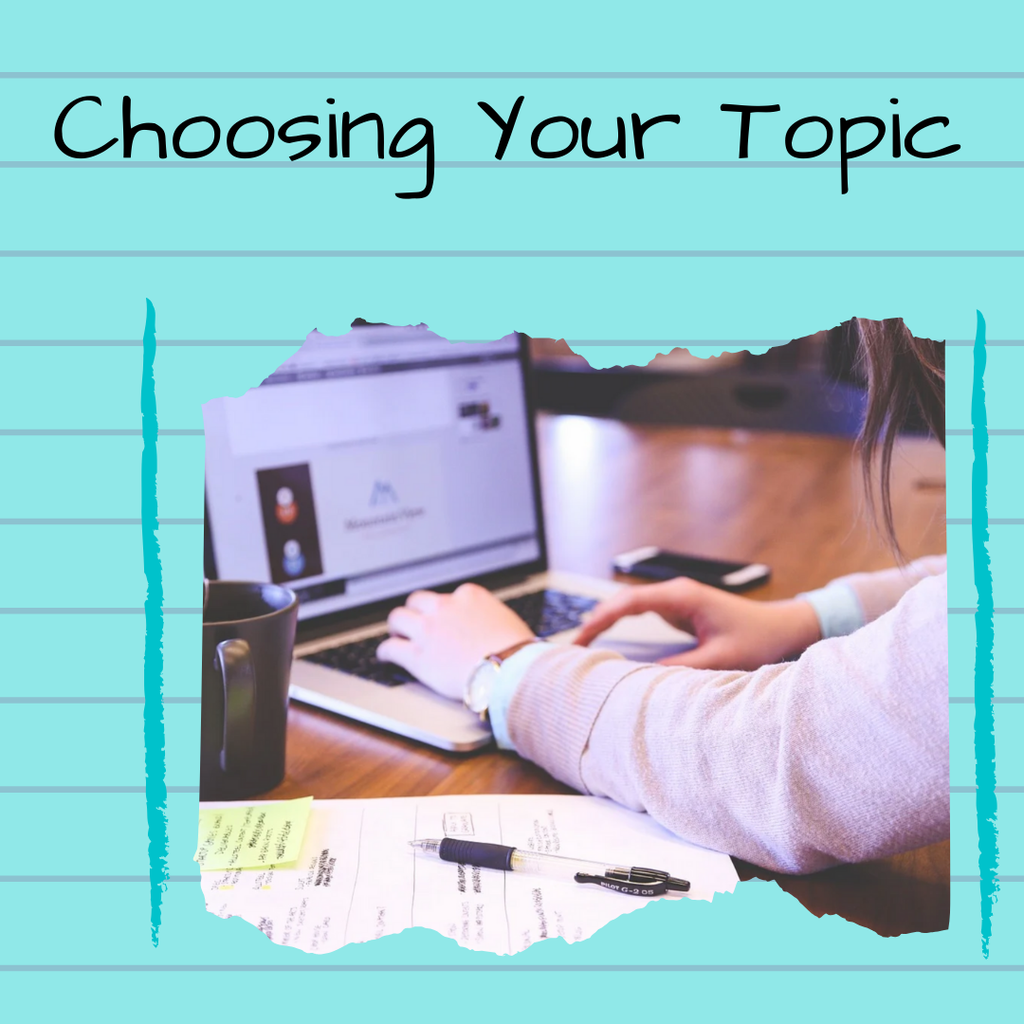
Before designing, I selected a simple topic:
👉 “Top 7 Freelancing Platforms for Beginners”
You can choose topics like:
- Digital marketing tips
- Canva tricks
- Study or productivity tips
🎨 Step 2: Designing in Canva
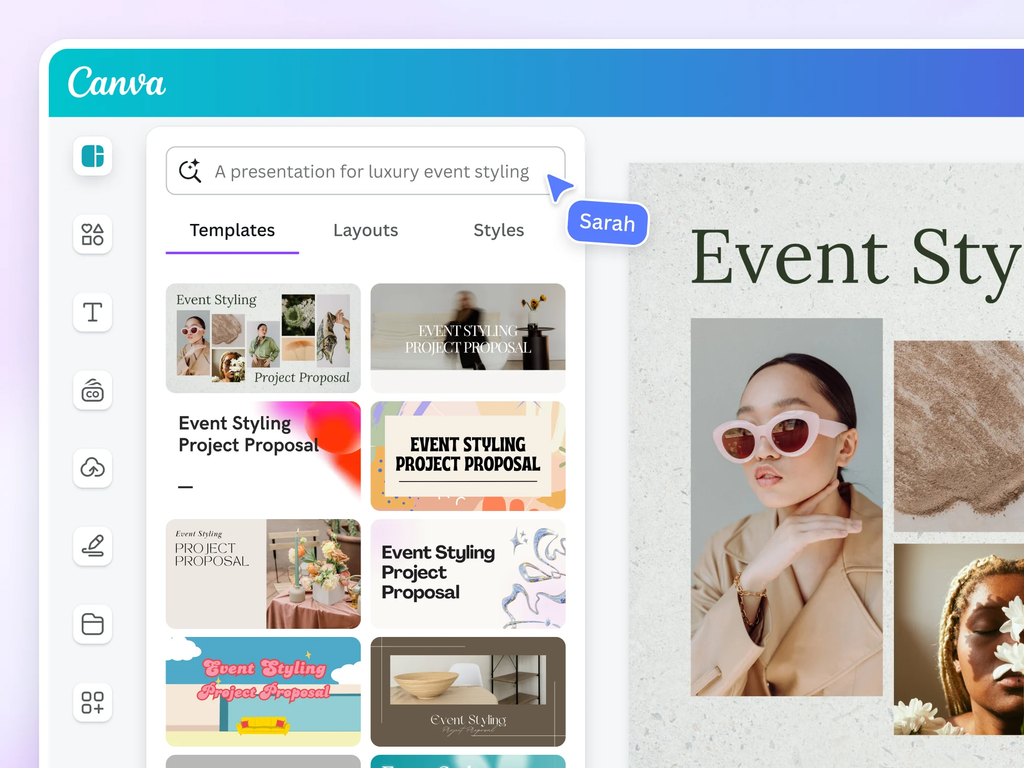
I opened Canva and followed these steps:
- Selected Instagram Post (1080×1080)
- Chose a clean and simple template
- Used 2–3 colors only (to keep it neat)
- Added bold headings for each slide
🧩 Step 3: Creating Carousel Slides
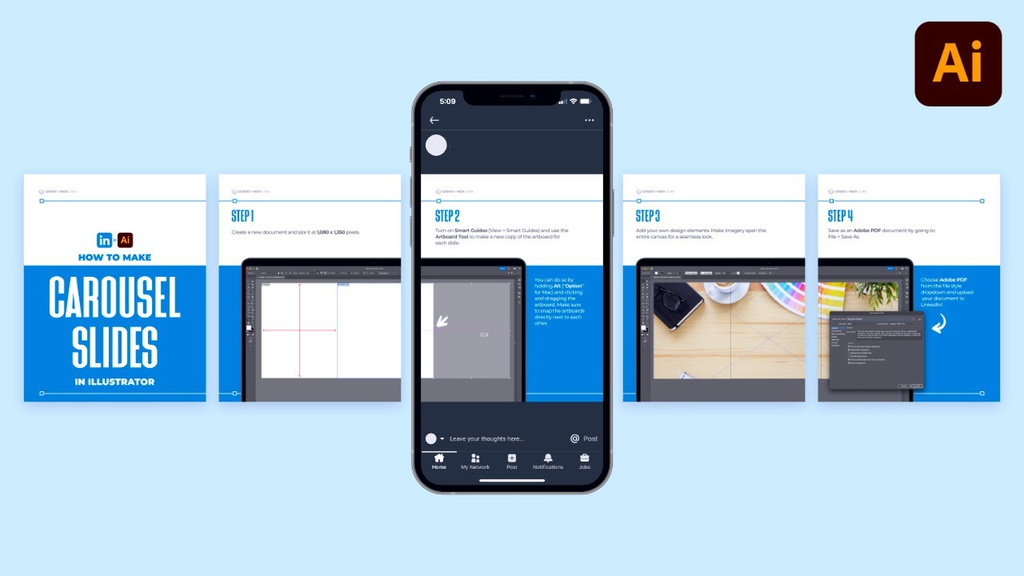
Here’s how I structured my carousel:
- Slide 1: Cover (Title)
- Slides 2–8: Main content (each platform)
- Last Slide: Call to action (Follow / Save)
👉 Example:
- Fiverr
- Upwork
- Freelancer
- PeoplePerHour
Each slide had:
- Short text
- Clear design
- Easy readability
✍️ Step 4: Writing Content

I kept the content:
- Short and simple
- Easy to read
- Useful for beginners
👉 Tip: Don’t write too much text. Keep it clean.
📱 Step 5: Final Touch & Export
After designing:
- Checked alignment
- Used consistent fonts
- Downloaded images in high quality
Then I posted it on Instagram with a caption and hashtags.
🚀 What I Learned
Creating my first carousel taught me:
- Design doesn’t need to be perfect
- Consistency is more important
- Simple content works best
- Practice improves creativity
❌ Mistakes I Made
- Used too many fonts
- Added extra text
- Didn’t plan slides properly
👉 But that’s okay—learning comes from mistakes.
📈 Tips for Beginners
- Start with simple designs
- Use Canva templates
- Focus on value, not perfection
- Stay consistent
📝 Conclusion
Creating Instagram carousels is one of the best ways to grow on social media. It helps you share knowledge, improve design skills, and build your personal brand.
If you are a beginner, don’t wait. Start creating today and improve step by step.
🔥 Call to Action
Have you created your first carousel yet?
Start today using Canva and share your creativity with the world!